01
DES-010

SOLIDWORKS MBD
Model-based definition tools for communicating manufacturing information directly in 3D.
ECAD-MCAD integration software for placing electrical systems inside 3D mechanical designs and routing wires, cables, and harnesses.
SOLIDWORKS® Electrical 3D enables you to easily integrate your electrical schematic designs into your SOLIDWORKS 3D product model.
SOLIDWORKS Electrical 3D connects 2D electrical schematics with the 3D product model, helping electrical and mechanical teams work in a more coordinated way. It allows users to place electrical components, route wires, cables, and harnesses directly inside the 3D assembly. With real-time integration between SOLIDWORKS Electrical Schematic Professional and SOLIDWORKS Design, design changes stay connected across both environments, reducing errors and improving workflow efficiency.
Use this solution to improve the way your team creates, documents, reviews, and prepares product designs. Khodiyar Infotech helps you choose the right SOLIDWORKS software, plan licensing, train users, and support adoption after implementation.
SOLIDWORKS Electrical 3D combines the reduced documentation time, intelligent automation, and cutting edge productivity tools offered in both SOLIDWORKS Electrical Schematic and SOLIDWORKS Design to accelerate product design, streamline engineering workflows, and bring you a unified end-to-end design process that improves accuracy, saves time, and ultimately speeds the timeline from concept to production.
Collaboration between electrical and mechanical teams has never been easier. With SOLIDWORKS Electrical 3D, users of SOLIDWORKS Design and SOLIDWORKS Electrical Schematic Professional can now work collaboratively, thus breaking down barriers of communication between teams. Plus, with shared libraries across projects, all teams will be aligned and using the most up-to-date parts and components.
Support better collaboration with guidance from Khodiyar Infotech, including software selection, licensing, training, and adoption support.
SOLIDWORKS Electrical 3D synchronizes documentation across all electrical and mechanical documents. Since data is updated bidirectionally across electrical and mechanical design projects, you can simplify your workflow, effectively eliminating the need for timely back-and-forth document checks and file updates.
Key workflow areas where this solution helps teams improve productivity, accuracy, and collaboration.
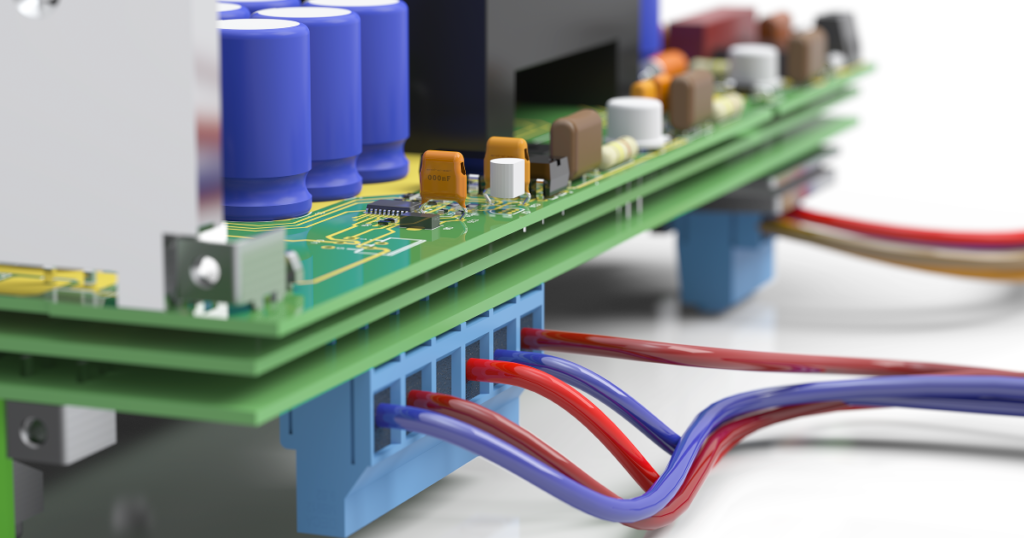
SOLIDWORKS Electrical 3D allows engineers to integrate electrical schematics, wiring diagrams, and design data directly into the 3D model of a machine or product. Its real-time, bidirectional connection improves coordination between electrical and mechanical teams while helping users place, remove, and validate electrical components inside the 3D CAD assembly. This helps ensure proper component fit, optimize wire lengths and routing paths, and reduce the need for costly physical prototypes.
Request Guidance →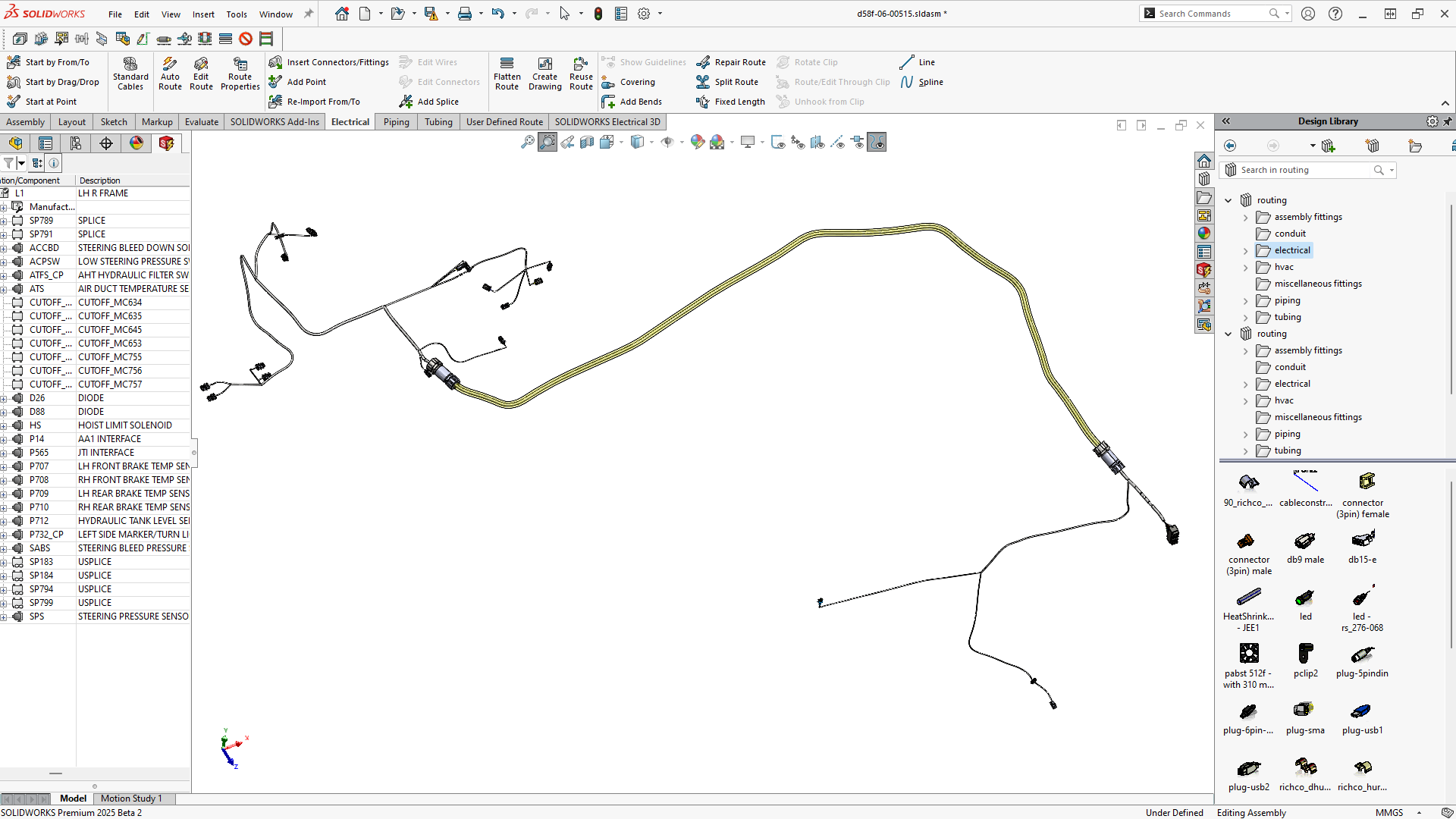
SOLIDWORKS Electrical 3D uses advanced routing technology to automate wire, cable, and harness routing inside the 3D CAD model. It can follow defined route paths and apply segregation rules, such as keeping high-voltage power lines separate from sensitive control or data signals. This helps teams reduce manual routing effort, improve design accuracy, and save valuable engineering time.
Request Guidance →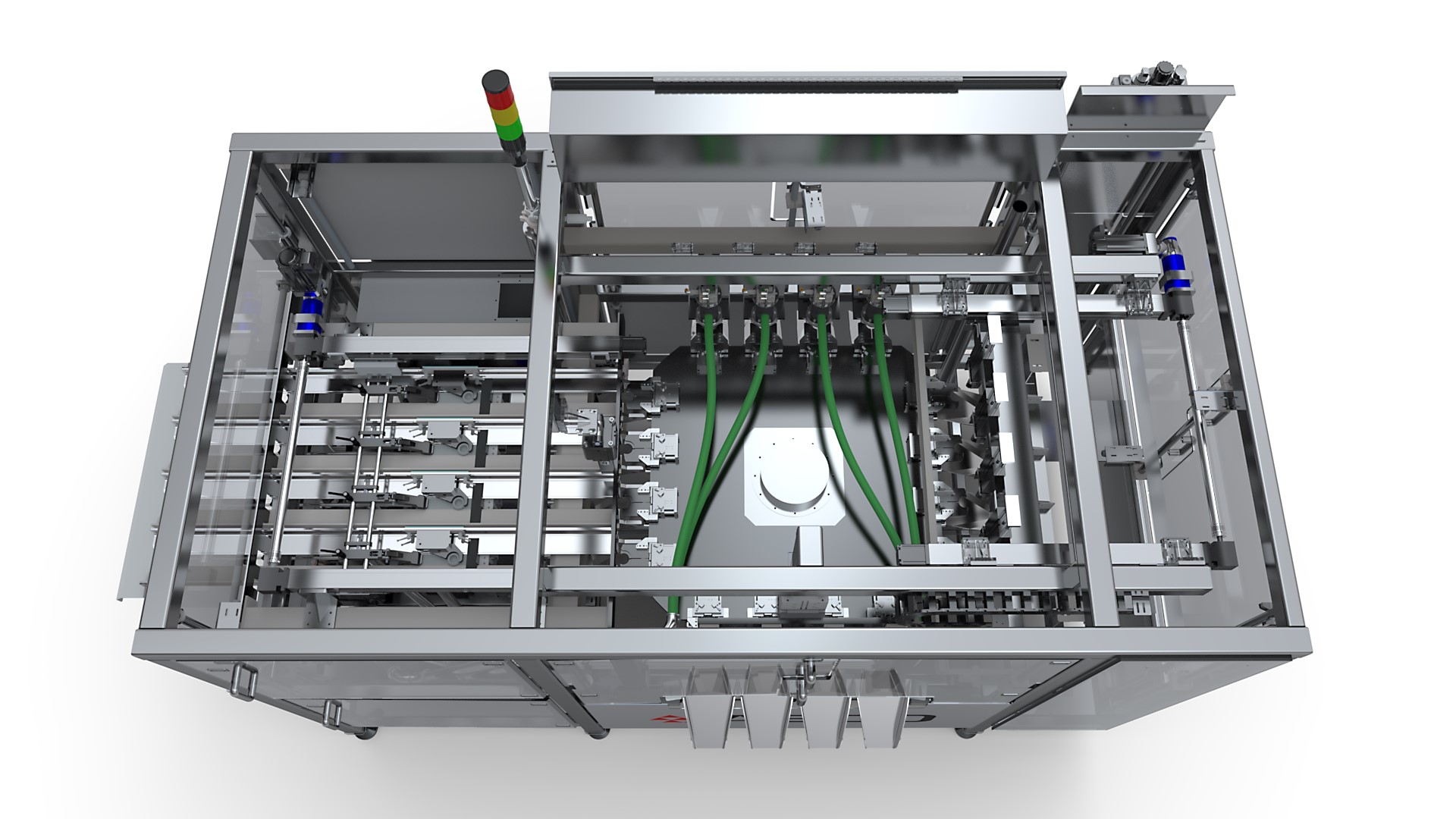
SOLIDWORKS Electrical 3D supports real-time collaboration between electrical and mechanical teams through a synchronized design environment. It allows schematically defined electrical systems to be implemented directly into the SOLIDWORKS Design model, helping both teams work with the same updated project data. Multiple mechanical and electrical engineers can work on the same project simultaneously using its collaborative, multi-user environment. This improves coordination, reduces communication gaps, minimizes design conflicts, and helps teams complete cross-disciplinary projects more efficiently.
Request Guidance →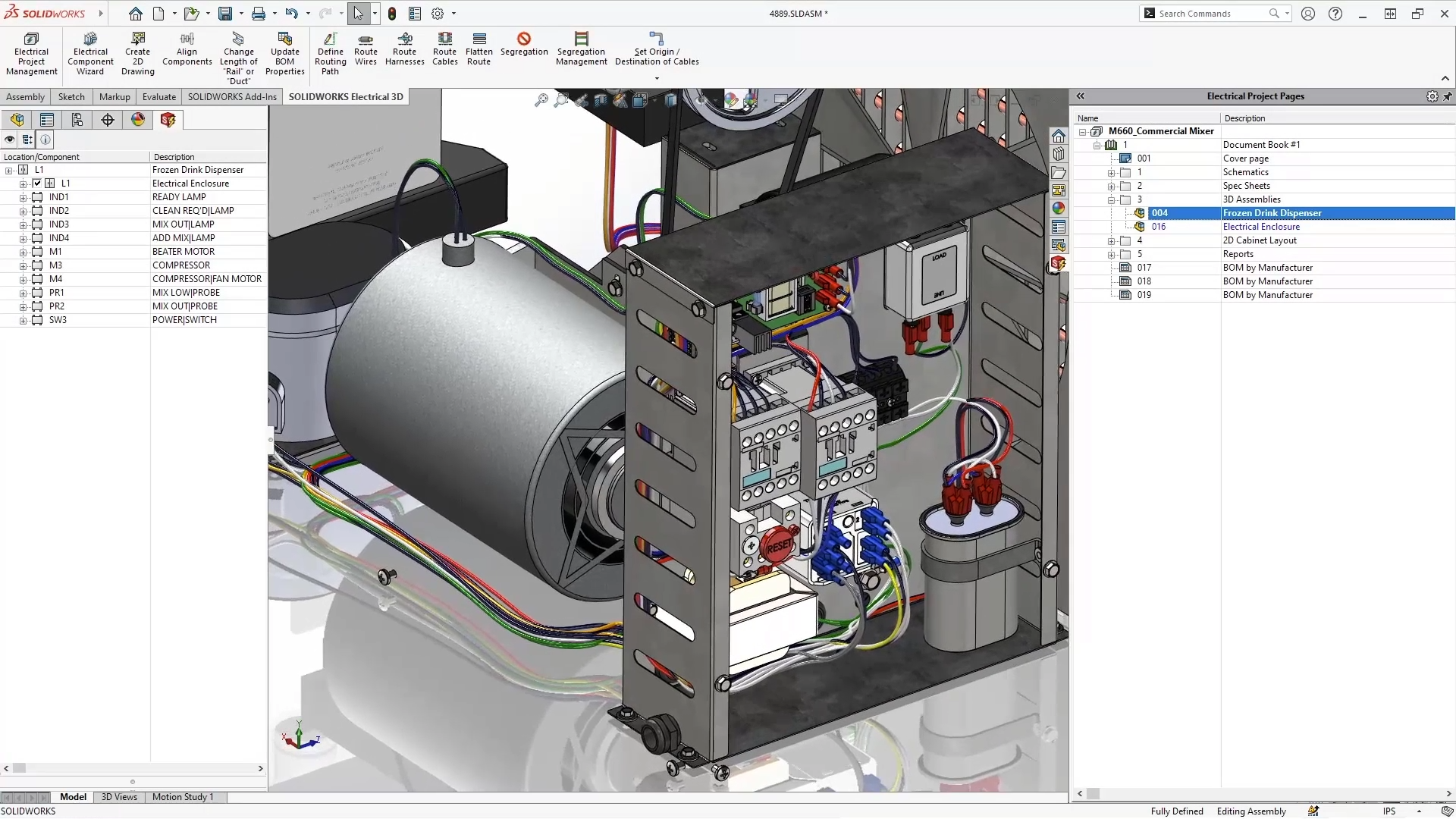
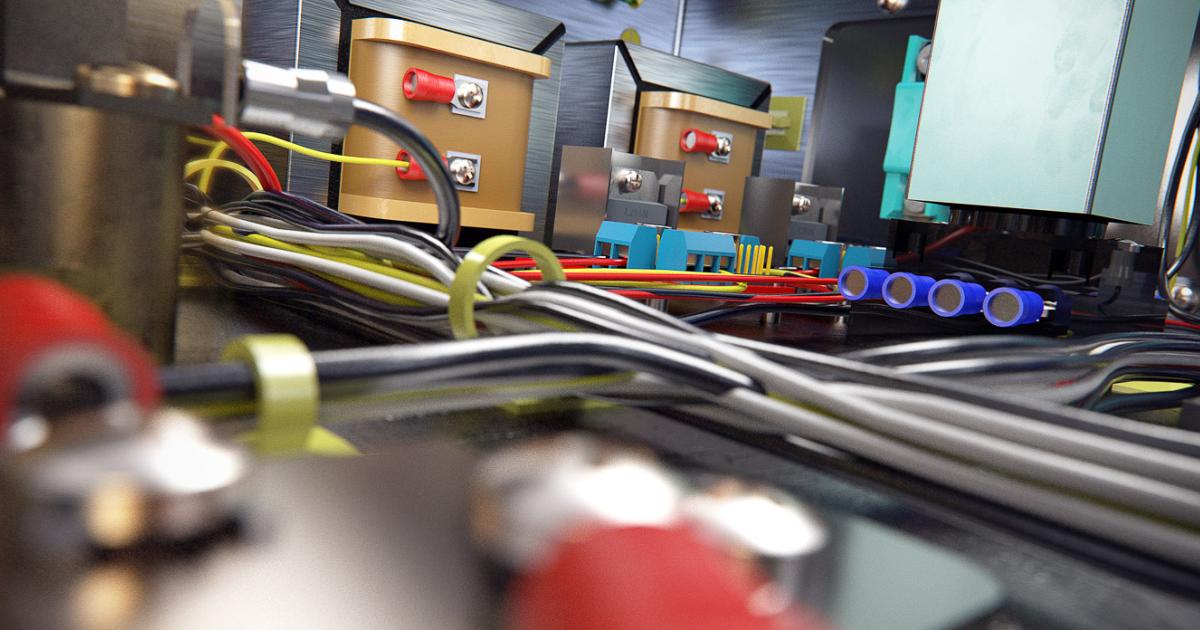
SOLIDWORKS Electrical 3D helps teams plan and visualize electrical harnesses and embedded electrical systems directly inside the 3D product model. It creates a virtual design-in-place environment where schematically defined harnesses can be auto-routed within SOLIDWORKS Design, helping teams simplify harness development, check routing, and reduce design errors. The software also supports detailed assembly drawings, flattened manufacturing drawings, form boards, cut lists, ballooned assemblies, and BOM documentation. This gives electrical and mechanical teams a clearer view of the complete system and improves ECAD-MCAD integration from planning to manufacturing.
Request Guidance →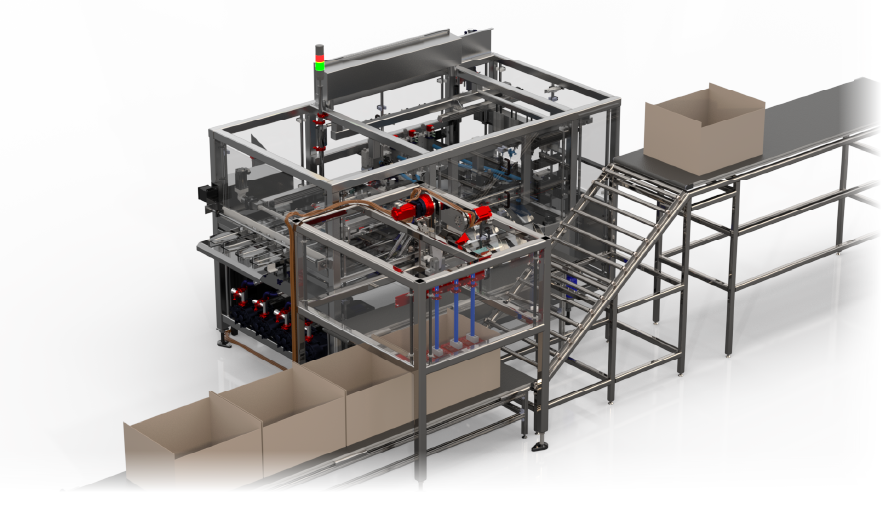
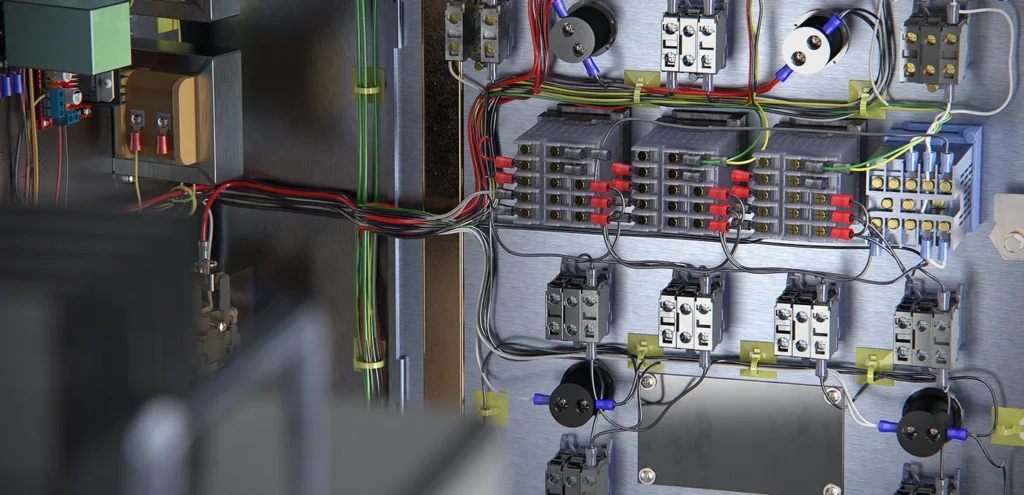
SOLIDWORKS Electrical 3D provides a connected design environment for creating accurate 3D electrical cabinet layouts. By combining SOLIDWORKS Design with SOLIDWORKS Electrical, teams can synchronize 2D schematics and 3D cabinet models in real time without repeatedly importing connection files or from-to lists after every revision. This helps engineers place cabinet components, verify harness fit, check routing, and avoid interference issues before fabrication. It also supports flattened layouts, fabrication-ready blueprints, and better planning for strain relief, cabinet doors, and service loops, helping teams deliver more accurate and reliable electrical cabinet designs.
Request Guidance →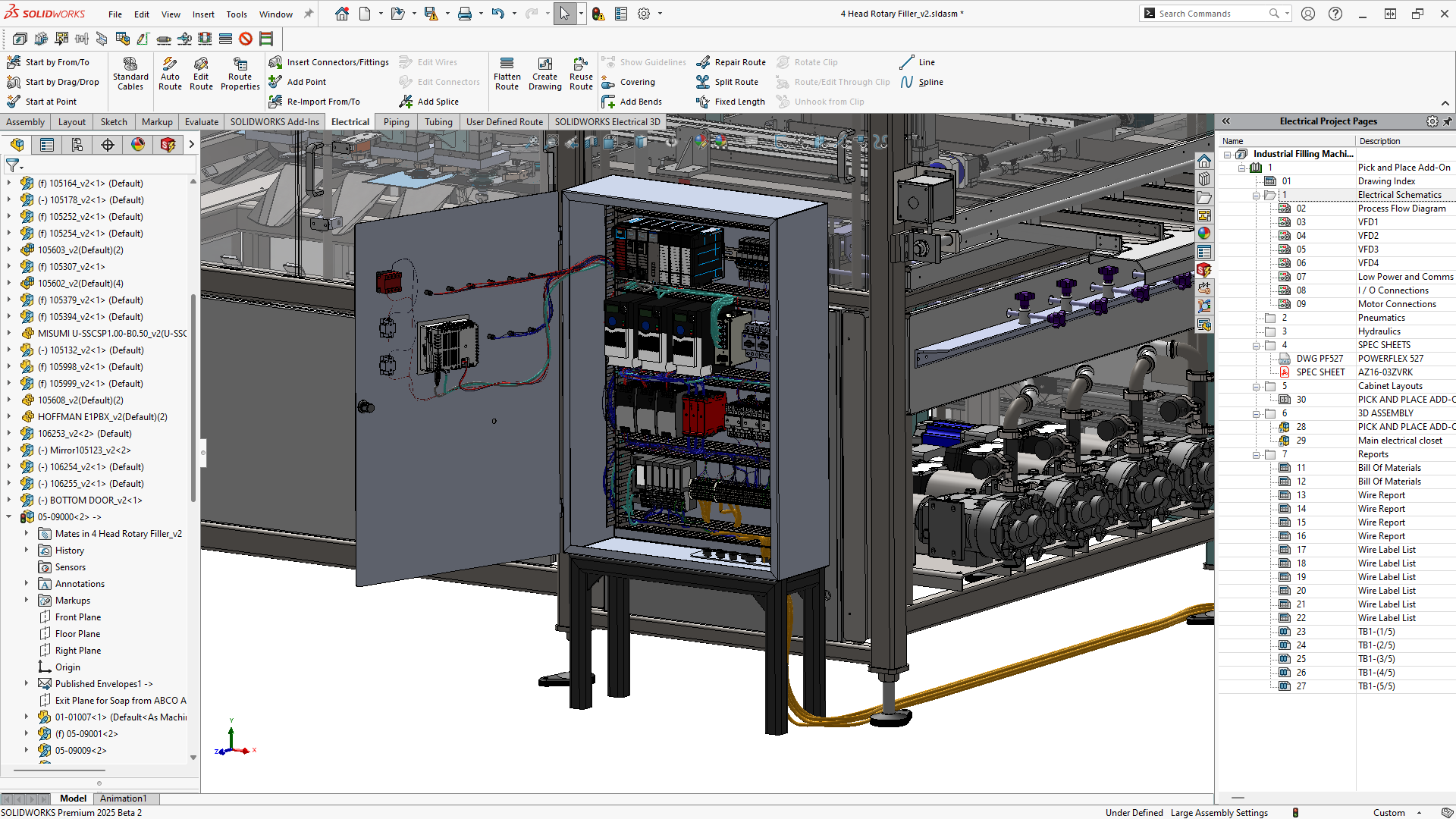
Use this section only when package comparison is relevant. Khodiyar Infotech can help you select the right license based on your workflow.
| Feature | Standard | Professional Recommended | Premium |
|---|---|---|---|
| 3D Part Modeling | ✓ | ✓ | ✓ |
| Assembly Design | ✓ | ✓ | ✓ |
| 2D Drawings | ✓ | ✓ | ✓ |
| Design Reuse Tools | ✓ | ✓ | ✓ |
| CAD Libraries | — | ✓ | ✓ |
| Manufacturability Checks | — | ✓ | ✓ |
| Cost Estimation | — | ✓ | ✓ |
| Photo-Realistic Rendering | — | ✓ | ✓ |
| Advanced Component Libraries | — | — | ✓ |
| Design Validation | — | — | ✓ |
| Motion Analysis | — | — | ✓ |
| Routing Tools | — | — | ✓ |
| Advanced Simulation | — | — | ✓ |
| Cloud Collaboration | — | ✓ | ✓ |
| Data Management Support | — | — | ✓ |
| Training and Support | ✓ | ✓ | ✓ |
Khodiyar Infotech can help you compare Standard, Professional, and Premium options based on your actual workflow.
Three ways to deploy SOLIDWORKS Design — pick the model that fits how your team actually works.
Ideal for individual designers, engineers, or professionals who need dedicated access.
Suitable for engineering teams, shared workstations, and controlled business environments.
For teams that need collaboration, review, and connected workflows across locations.
We do more than provide software. We help your team select, implement, learn, and use SOLIDWORKS with confidence.
Understand which SOLIDWORKS product and package fits your workflow.
Get clear guidance before investing in software.
Get assistance with setup, deployment, and onboarding.
Help your team build practical skills and use the software effectively.
Software value depends on how confidently your team can use it. We provide practical training to help users improve speed, accuracy, and workflow confidence.
Get up to speed on SOLIDWORKS fundamentals — modeling, sketching, drawings, and assemblies.
Tackle complex modeling techniques, surfacing, sheet metal, and weldments with expert guidance.
Train teams on shared workflows, design standards, libraries, and PDM best practices.
Model-based definition tools for communicating manufacturing information directly in 3D.
Connect ECAD and MCAD workflows for better electronics and mechanical design collaboration.
Combined electrical schematic and 3D electrical design capabilities.
SOLIDWORKS Electrical 3D is commonly used in projects where electrical systems need to be planned, routed, and validated directly inside the mechanical 3D model. It helps teams connect 2D schematic data with 3D product design for better fit, routing accuracy, and electrical-mechanical coordination.
Used for designing electrical systems inside machines, automation equipment, and industrial products where wiring, components, and mechanical structures must fit together correctly.
Helps engineers route wires, cables, and harnesses inside the 3D assembly, check routing paths, and calculate more accurate wire lengths before manufacturing.
Useful for creating 3D electrical cabinet layouts, placing components, checking spacing, planning wire paths, and reducing interference inside control panels.
Supports collaboration between electrical and mechanical teams by keeping schematic data and 3D design information connected through real-time, bidirectional integration.
Used for products that include electrical systems inside the mechanical structure, such as equipment, devices, panels, control systems, and electro-mechanical assemblies.
Helps teams verify component fit, routing paths, wire lengths, and space requirements digitally, reducing the need for repeated physical prototypes.
Find answers to common questions about SOLIDWORKS Electrical 3D, including 3D electrical routing, schematic integration, cabinet design, harness development, collaboration, and how it supports electrical-mechanical design workflows.
SOLIDWORKS Electrical 3D is used to connect electrical schematic data with the mechanical 3D model. It helps teams place components, route wires, cables, and harnesses, check fit, and validate electrical systems inside the SOLIDWORKS design environment.
It uses bidirectional, real-time integration between SOLIDWORKS Electrical Schematic Professional and SOLIDWORKS Design. This allows electrical data from schematics to be used directly inside the 3D product model.
Yes. SOLIDWORKS Electrical 3D uses advanced SOLIDWORKS routing technology to help route wires, cables, and harnesses inside the 3D model. This helps teams improve routing accuracy and reduce manual routing effort.
Yes. It can be used for 3D cabinet layouts, component placement, wiring paths, cabinet space planning, and design checks. This helps teams create more accurate control panel and cabinet designs.
It helps electrical and mechanical teams work with connected design data. When electrical systems are planned in the schematic and implemented in the 3D model, both teams can review changes more clearly and reduce design mismatch.
Yes. By checking component placement, wire lengths, harness routing, and interference inside the 3D model, teams can identify issues earlier and reduce repeated physical prototype changes.
Yes. Because routing is done inside the 3D model, teams can calculate wire, cable, and harness lengths more accurately based on real product geometry and routing paths.
Yes. Khodiyar Infotech can help your team understand SOLIDWORKS Electrical 3D capabilities, choose the right license, plan implementation, and get support for setup, training, and electrical design workflows.
Khodiyar Infotech can help you understand licensing, implementation requirements, training options, and the right next step for your team.